
Toronto Conference Highlight Video Shot List for Event Teams
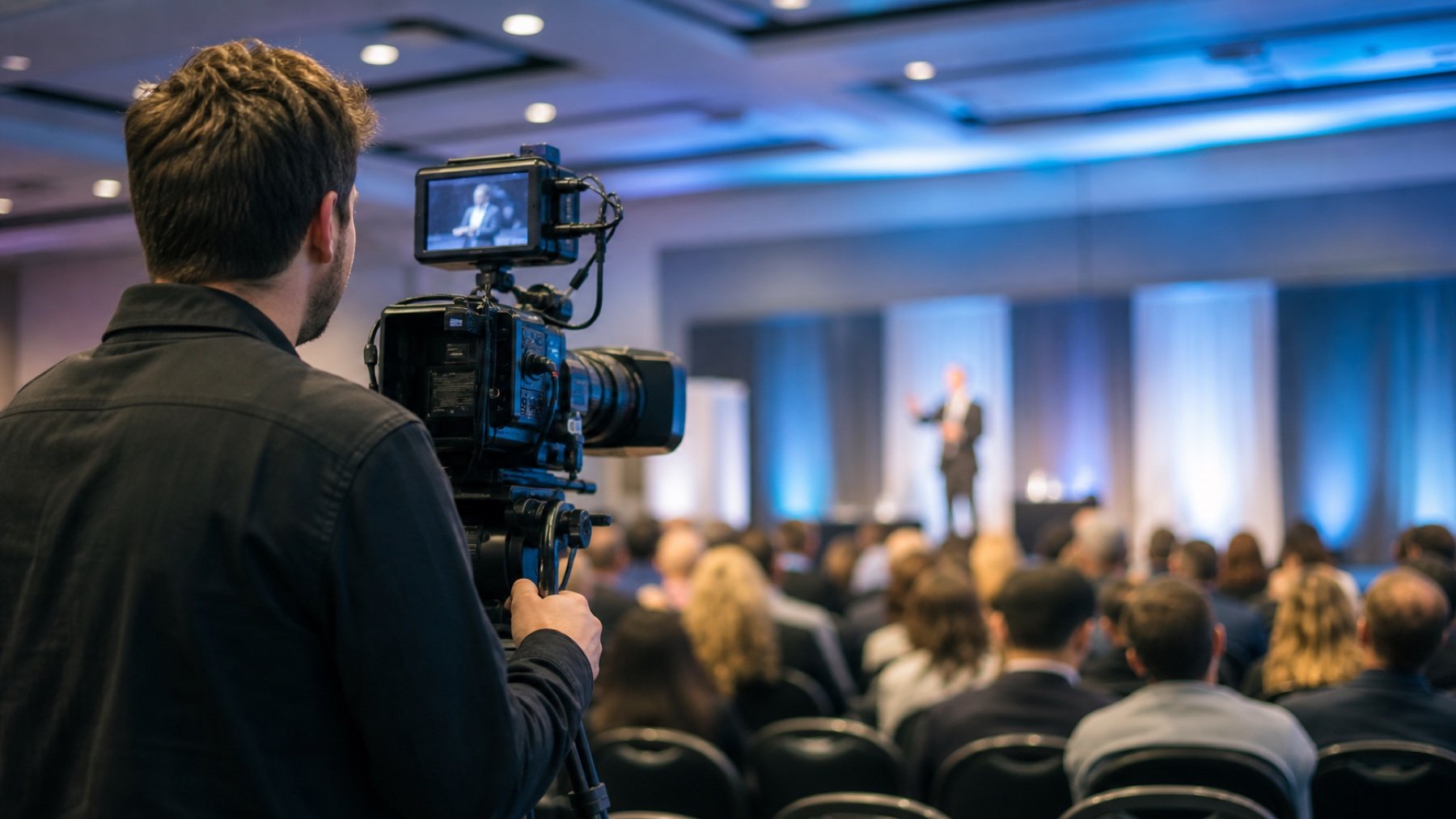
A conference highlight video needs enough variety to show what happened without turning the crew into a checklist machine. The shot list should protect the essential moments and leave room for reactions, details and transitions that make the edit coherent.
Start with an opening sequence
Give the editor visual proof of place and scale. Useful opening material can include the venue exterior, registration desk, branded signs, badges, room preparation and guests arriving. Capture these scenes before the program fills the space or the signage is moved.
Include both wide views and close details. The wide frame establishes the environment; the detail identifies the host, sponsor or conference theme. Avoid relying on a single slow pan of an empty room to carry the introduction.
Protect the program highlights
List the keynote, important panels, announcements, awards and performances with names, times and rooms. For each one, describe the usable moment: the entrance, a clean statement, an audience reaction, the handoff, or the award presentation.
Your conference video team in Toronto also needs to know about lighting cues, presentation screens and stage restrictions. A scheduled camera position is more reliable than finding a clear angle after the room is full.
Capture the audience as participants
A recap built only from speakers can feel like a lecture recording. Add applause, note-taking, questions, networking, demonstrations and small conversations. These scenes show how people used the conference rather than treating the audience as background.
Identify sessions where filming guests may be sensitive. Share consent rules and any no-camera areas before coverage begins. The event lead should be available to resolve a question without stopping the crew for a long approval chain.
Add the brand and sponsor evidence
- Entrance and registration branding
- Stage, screen and lectern marks
- Sponsor booths in use
- Branded products or demonstrations
- Natural guest interactions with the activation
Logo coverage should appear in real event activity. A sign photographed by itself can be useful, but the stronger sequence usually connects the brand to a person, place or action. Note any contractual sponsor requirement separately so it cannot be mistaken for optional supporting footage.
Plan interviews that can survive the edit
If testimonials are required, choose subjects in advance and give them a time window. Prepare prompts that produce complete answers without the question in the final cut. Confirm a quiet location, a clean background and permission to use the interview.
Ask for specific observations about the event rather than broad praise. Concrete answers give the editor material that can bridge sections and explain why the conference mattered to its audience.
Finish with a closing option
Plan one or two endings: a final speaker line, an award moment, a full-room reaction, an evening exterior, or a clear invitation for the next event. The ending should be available in the schedule; it should not depend on a spontaneous shot after the crew is due to leave.
How long should the shot list be?
Long enough to identify priorities, locations and timing, but short enough to use while the program is moving. Put detailed brand requirements in a separate section.
Should the crew recreate missed moments?
Only when the scene is safe, honest and approved. A recap should not present a staged interaction as a live conference moment without context.
Share the agenda, floor plan and intended edits with Uptown Media.