
Conference Corporate Headshots in Toronto: How to Plan an On-Site Studio
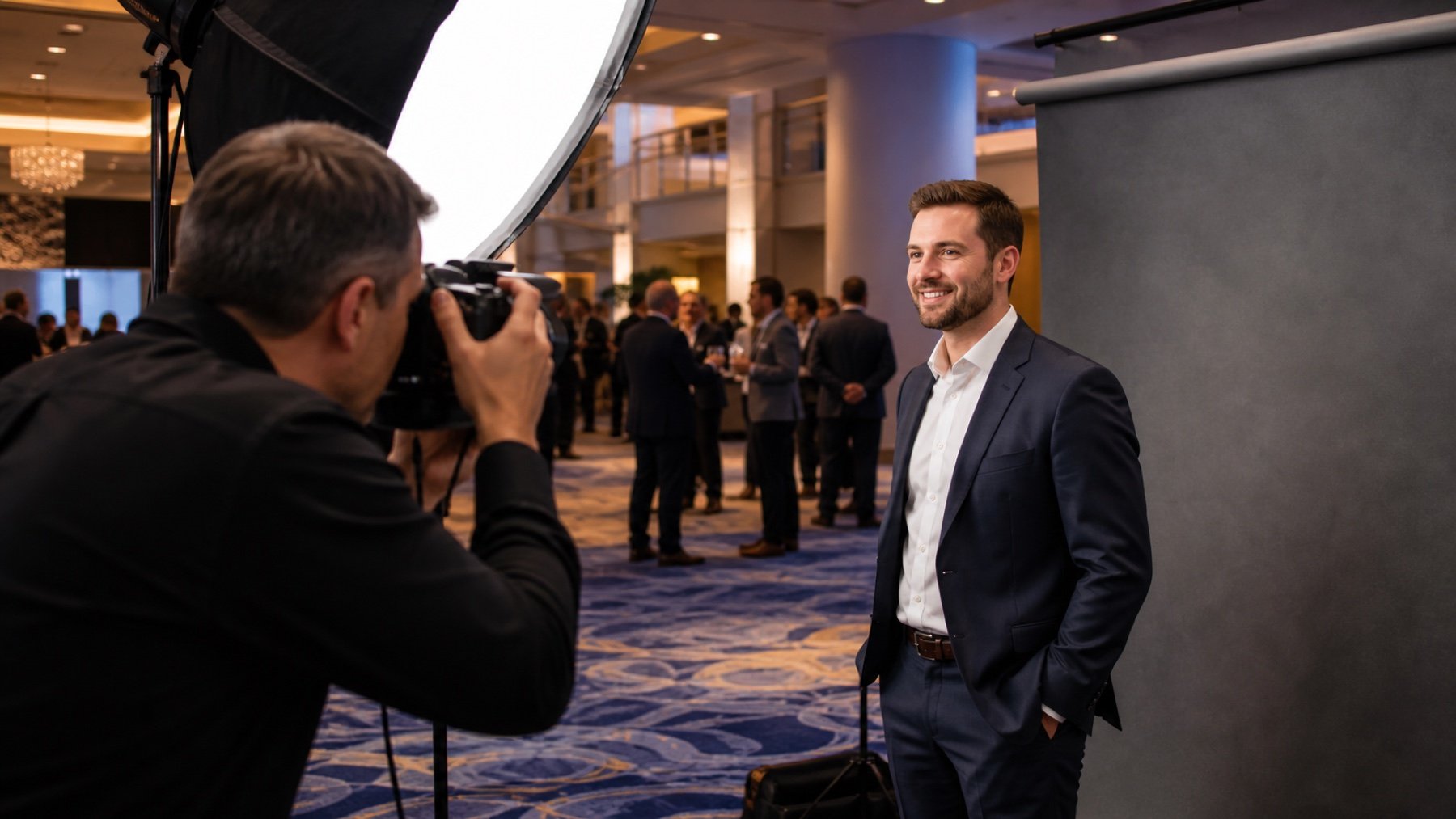
An on-site headshot studio succeeds when it fits the conference instead of competing with it. The organizer needs a visible location, a manageable queue, clear appointment rules and enough privacy for each person to settle in front of the camera.
Choose a location guests can find
Place the studio near conference traffic without putting it in the traffic. A foyer corner may look convenient but fail once a keynote releases hundreds of people. Check width, ceiling height, power, ambient light, noise and the route for equipment.
Use signs that are readable from the approach. If the studio sits behind a partition or inside a meeting room, add wayfinding from registration. Share the location and room conditions with the team providing corporate headshot photography in Toronto.
Decide between appointments and walk-ins
Appointments give executives and speakers a predictable window. Walk-ins can increase participation but need a queue plan. A hybrid system can reserve part of the schedule and release unused time to conference guests.
Publish realistic instructions. Tell participants when to arrive, how the queue works, and whether they can review an image on site. Assign a host to confirm names, keep the line moving and protect reserved times.
Set the visual standard before the first portrait
Choose the background, crop, lighting style and expression range that fit the company's existing headshots. If several departments will use the images, agree on one standard for orientation and negative space. Bring reference images to the production meeting.
Tell participants what the portrait will be used for and provide simple wardrobe guidance. Avoid rules that assume everyone owns the same style of clothing. The goal is a consistent image system without flattening each person's identity.
Prepare accurate names and delivery details
- Collect the participant's preferred name and email.
- Confirm spelling before the session ends.
- Use a unique identifier when names repeat.
- State who can access the finished files.
- Explain the selection and retouching process.
Personal information needs a clear owner. Decide whether the event organizer or photography team will collect it, where it will be stored, and when it can be removed. Do not ask participants to write private details on a sheet visible to the queue.
Build the studio into the conference schedule
Open during registration, breaks or dedicated expo periods when participants have time to attend. Avoid promising continuous access if the photographer must also cover the stage or group portraits. If the headshot studio is part of a larger coverage package, assign resources explicitly.
How much space does an on-site studio need?
The answer depends on the background, lighting setup, camera distance, participant flow and whether guests can review images. Provide room dimensions and photos during planning.
Can attendees choose their portrait?
Yes, if selection is part of the agreed workflow. Decide whether selection happens on site or through a later gallery, and include that time in the plan.
What should the organizer supply?
Common needs include floor space, access, power, a table, chairs, wayfinding and a staff contact. Confirm the actual list with the production team.
Send the floor plan, attendance estimate and session windows to Uptown Media.