
Event Video Production in Toronto: How to Build a Coverage Plan
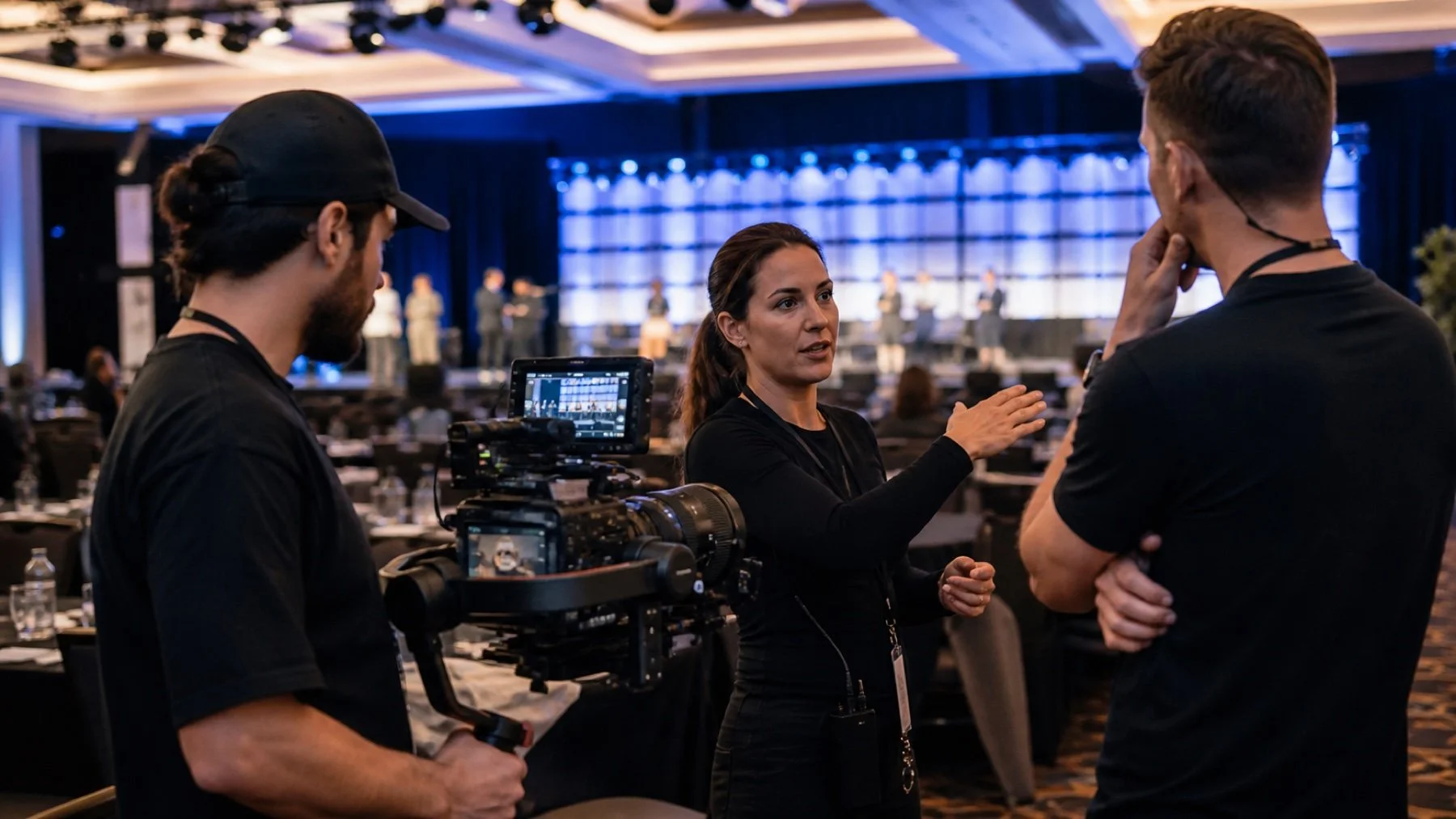
An event video brief should describe the film your team intends to make, not ask a camera crew to record everything. The finished piece may be a concise recap, a set of speaker clips, sponsor content, recruitment material, or a longer conference summary. Each choice changes the schedule, crew positions and audio plan.
Choose the deliverables before the shot list
List the required videos, approximate format, intended channel and deadline. A horizontal website recap and a vertical social cut need different framing. A speaker archive requires complete session coverage; a highlight film can work from selected moments and supporting scenes.
Review those outputs with your Toronto event video production team. They can translate the edit requirements into camera coverage, audio sources and access needs.
Mark the moments that cannot be repeated
Put keynotes, announcements, awards, performances and sponsor moments on a timed priority list. Include exact rooms, names and stage positions. If two essential moments overlap, the plan needs another camera position or a decision about which moment takes priority.
Then add the flexible material that gives the edit context: venue exterior, registration, signage, hands-on details, audience reactions and networking. These scenes can often move when the live program changes.
Build an audio plan, not an assumption
Good event video depends on usable sound. Confirm access to the venue's audio feed, the connector type, who controls the board, and whether a recording is available. Plan backup audio for speeches and interviews. Identify any room where amplified music or crowd noise will make an interview impractical.
If the edit includes interviews, name the subjects and prepare short prompts. Reserve a quiet location and a realistic time window. A hallway beside a ballroom may look convenient but can produce interruptions and inconsistent sound.
Coordinate movement and permissions
- Confirm load-in, parking, credentials and restricted zones.
- Show camera positions on the floor plan.
- Flag screens, presentations or confidential material.
- Identify guests who must not be recorded.
- Name the producer who can approve a change on site.
Tell the venue and stage team where cameras will be positioned. A clear plan protects guest sightlines and keeps operators from improvising around furniture, lighting stands or service routes during the program.
Plan review and delivery
Choose one person to consolidate feedback. Confirm the number of review rounds, how notes will be submitted, and which stakeholder has final approval. Time-coded feedback is easier to apply than separate email threads.
Do we need every session recorded?
Only if complete session coverage serves a defined use. Recording every room can add crew, audio and editing requirements that a highlight film does not need.
Can one video serve every platform?
A master edit can support several versions, but each channel may require a different duration, aspect ratio, caption treatment or opening.
Send the run of show, required edits and delivery dates through Uptown Media's production contact page.