
On-Site Photo Printing: Planning Guest Flow at Events
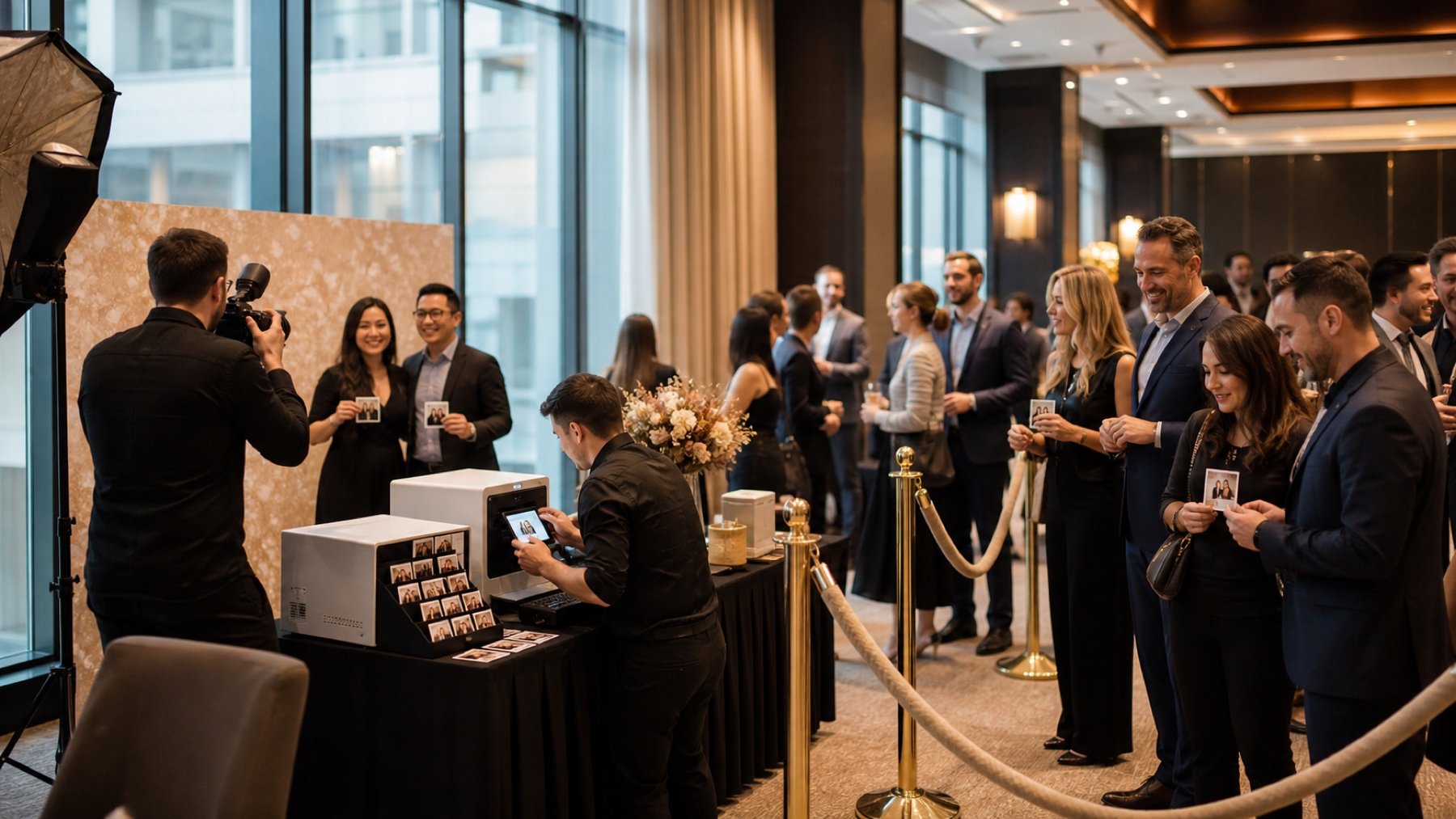
On site photo printing is a small production line inside your event. Guests arrive, understand the offer, wait, pose, choose an image, and collect a print. If those steps occupy the same patch of floor, the experience slows down and the queue spreads into the event. Plan the full journey before equipment arrives.
Draw the journey from entry to pickup
Mark separate points for greeting, waiting, capture, selection, production, and collection. Place arrows on the floor plan and test the route as if one group is entering while another leaves with prints.
Keep the pickup point away from the camera position. Guests checking a print should not stop the next group from stepping into place. Use a visible sign so returning guests do not rejoin the capture queue.
Calculate capacity from the slowest step
Measure the full cycle during a realistic test. Include guest direction, posing, review, print processing, trimming or packing, and occasional reprints. The printer speed alone does not define throughput.
Compare that cycle with expected attendance and peak arrival windows. If demand exceeds capacity, reduce choices, add a station, extend the activation window, or use a digital delivery option for overflow.
Make choices simple for guests
Explain the number of poses, print format, pickup method, and expected wait before a guest enters the capture area. Clear instructions reduce questions at the point where the line needs to move.
Limit on screen selection when the event requires high throughput. A short curated choice keeps the experience personal without turning the review station into the bottleneck.
Protect power, network, supplies, and staff space
Confirm dedicated power, cable routes, internet needs, table depth, ventilation, secure storage, and waste handling with the venue. Keep backup media and consumables within staff reach but outside the guest path.
Create a response for a printer pause. Staff should know whether to hold the line, continue capture for later pickup, or switch to digital delivery. Test that decision before doors open.
Connect the activation to the event around it
Avoid placing the queue across catering, washrooms, registration, emergency exits, or sponsor sightlines. Schedule peaks around program breaks and tell the event producer when the activation may draw a crowd.
Review the layout with your event photography team, venue, and floor manager. Guest flow belongs in the production plan, not as a final decoration on the floor plan.
Stress test the activation before guests arrive
Model a peak period as well as the average. Guests often arrive in waves after registration, a keynote, or a meal. A station that handles the hourly average can still create a long line when a room releases several hundred people at once.
Choose an overflow rule before demand rises. Timed pickup, a digital delivery option, or a second collection point can protect the guest experience without promising an impossible number of immediate prints.
Show a finished sample before the guest reaches the camera. Seeing the crop, branding, and format reduces indecision at the selection point. It also prevents disappointment when the printed layout is intentionally different from the full digital photograph.
Count consumables against the attendance plan and keep a labelled reserve for the final hour. Paper and media changes should be rehearsed. If the activation uses a networked approval or delivery step, define the offline fallback before doors open.