
Event Recap Video Turnaround and Deliverables
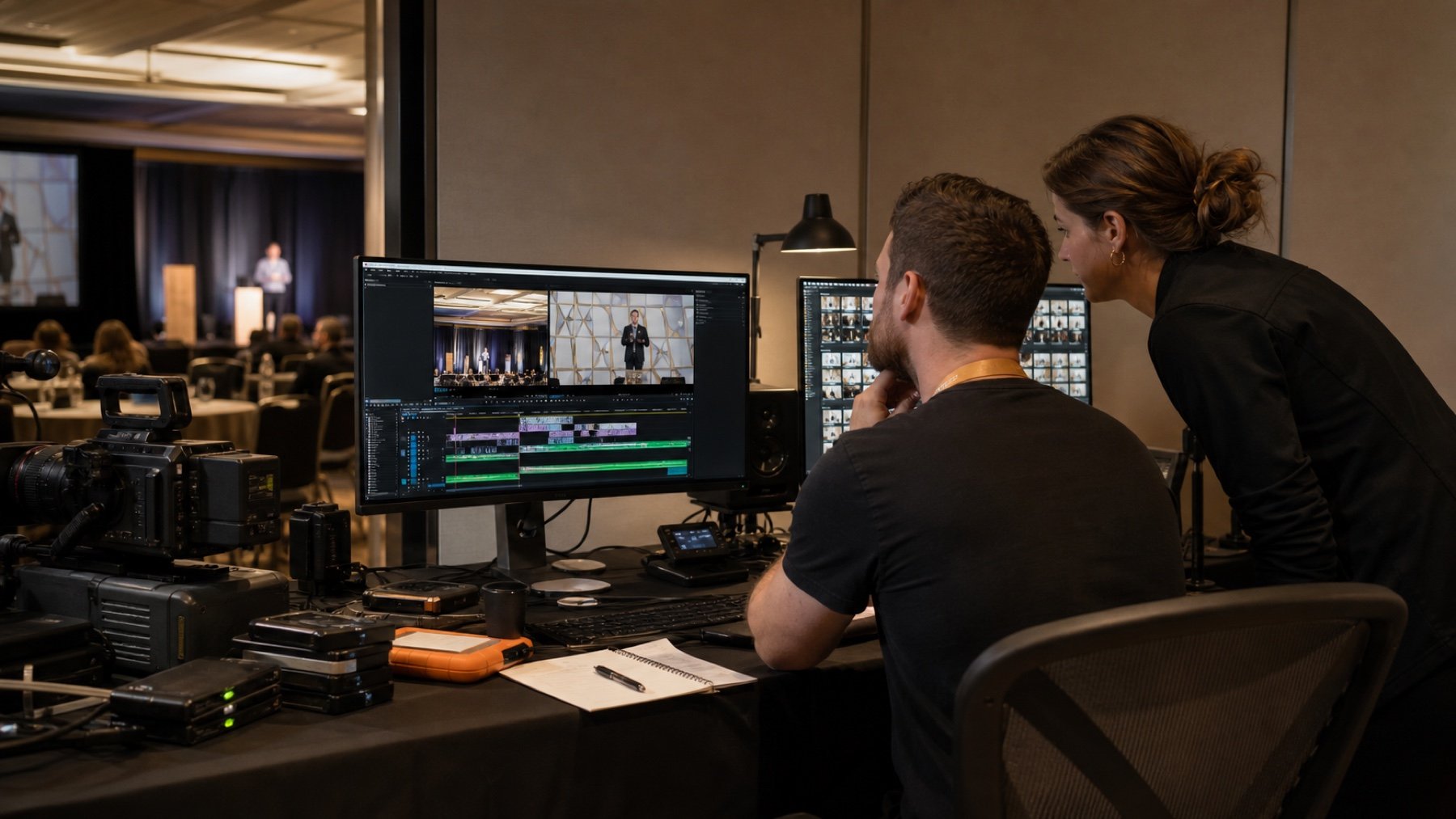
Event recap video turnaround depends on more than the hours after the event. The edit length, number of formats, interview content, music, captions, brand review, and feedback rounds all affect delivery. Start with the campaign date and work backward to define a package your team can approve and use.
Name every version before production begins
List the main edit, shorter cut, vertical version, square version, silent playback version, and any speaker or sponsor clips your team expects. State the approximate duration and channel for each file.
A single recap in several dimensions is different from several edits with different stories. Make that distinction clear in the scope because it changes selection, editing, graphics, captions, and review time.
Match capture priorities to the final story
Write the intended opening, key message, essential people, event arc, and closing action. The crew can then protect the footage and clean sound needed for the edit instead of collecting disconnected highlights.
Tell the production team which brand elements and sponsors must appear, but keep the story readable. A long checklist of logos can overwhelm a short recap and force rushed shots into the final sequence.
Build review time into the deadline
Choose one person to consolidate feedback. Set the first cut date, response deadline, included revision rounds, and final approval time. A rapid first cut cannot create a rapid release when reviewers return conflicting notes over several days.
Separate factual corrections from preferences. Names, titles, dates, brand marks, and required messages need exact review. Style notes should be resolved by the designated approver within the agreed round.
Confirm music, captions, and graphics
Decide who supplies brand files, name spellings, titles, sponsor marks, and approved calls to action. Confirm music licensing and caption requirements in the scope.
Ask whether the edit must work without sound. Many event videos appear in feeds, displays, and landing pages where captions and strong visual sequencing carry the message.
Use a delivery package that survives handoff
Specify file format, resolution, aspect ratio, caption format, thumbnail needs, file naming, transfer method, and archive period. Add the channel beside each file so a later team understands its purpose.
Tie the package to your event video production brief. A realistic turnaround begins when capture, editing, approval, and release all follow the same plan.
Design a recap workflow that can meet the deadline
Give each version one job. A same day social clip may prove energy and attendance, while a longer recap may explain the event's purpose and outcomes. Trying to make one edit satisfy every audience usually produces a slow social post and a shallow internal record.
Confirm whether the campaign needs clean versions without text, music, or logos. These masters take little extra planning but can be valuable when a sponsor, regional team, or future editor needs to adapt the material.
Build visual sequences instead of collecting isolated highlights. A useful sequence can include a wide room view, a medium interaction, a detail, and a reaction. Related shots give the editor options to control pace and explain what happened without relying on repetitive crowd footage.
Record transitions that help the viewer move through the day. Doors opening, speakers walking to stage, room changes, and guests entering an activation can connect major moments while preserving a clear sense of place.
Use timecoded, consolidated feedback. A useful note names the time, desired change, and reason, then confirms whether the request affects every version. Separate launch requirements from refinements that can wait for the final edit.
Check that music terms cover the intended channels and campaign duration. A track cleared for an internal presentation may not suit paid social distribution. Keep the licence record with the final package so a future team can understand the permitted use.
Give the editor a hierarchy for logos and sponsor marks. Confirm required order, minimum display time, and whether different partners need separate versions. This avoids a crowded end card and late approval conflict.
Separate approved finals from review exports. Include a short index that maps each final file to its audience, channel, aspect ratio, caption status, music version, approval date, and any time limit on use. That small document turns a folder of files into a reusable communications asset.
Choose the first delivery milestone carefully. A rough assembly may help an internal producer confirm story order, while a polished first cut may be better for senior reviewers who cannot interpret unfinished sound and colour. Tell reviewers what is temporary so they focus on decisions that matter at that stage.
Protect transfer time in the schedule. Large camera files need to be copied, checked, backed up, and organized before a reliable edit can begin. When an event ends late, this technical work may occupy the same hours stakeholders assume are available for creative editing.
Prepare a fallback story in case a planned moment is cancelled or unusable. A recap built around audience experience, speaker insights, or demonstrations can still succeed if an announcement changes. The fallback should use footage the crew can intentionally capture, not whatever material happens to remain.
Plan the thumbnail and opening seconds with the same care as the full edit. Viewers often decide whether to continue before the recap reaches its strongest scene. A clear subject, visible action, and immediate event context usually work better than a long logo animation.
Set an archive handoff date after the campaign. Confirm who receives project files, what the production team retains, and how long review links remain active. The event may be over, but a clear archive decision prevents lost finals and uncertain storage costs later.