
How to Coordinate Photo and Video Crews at Corporate Events
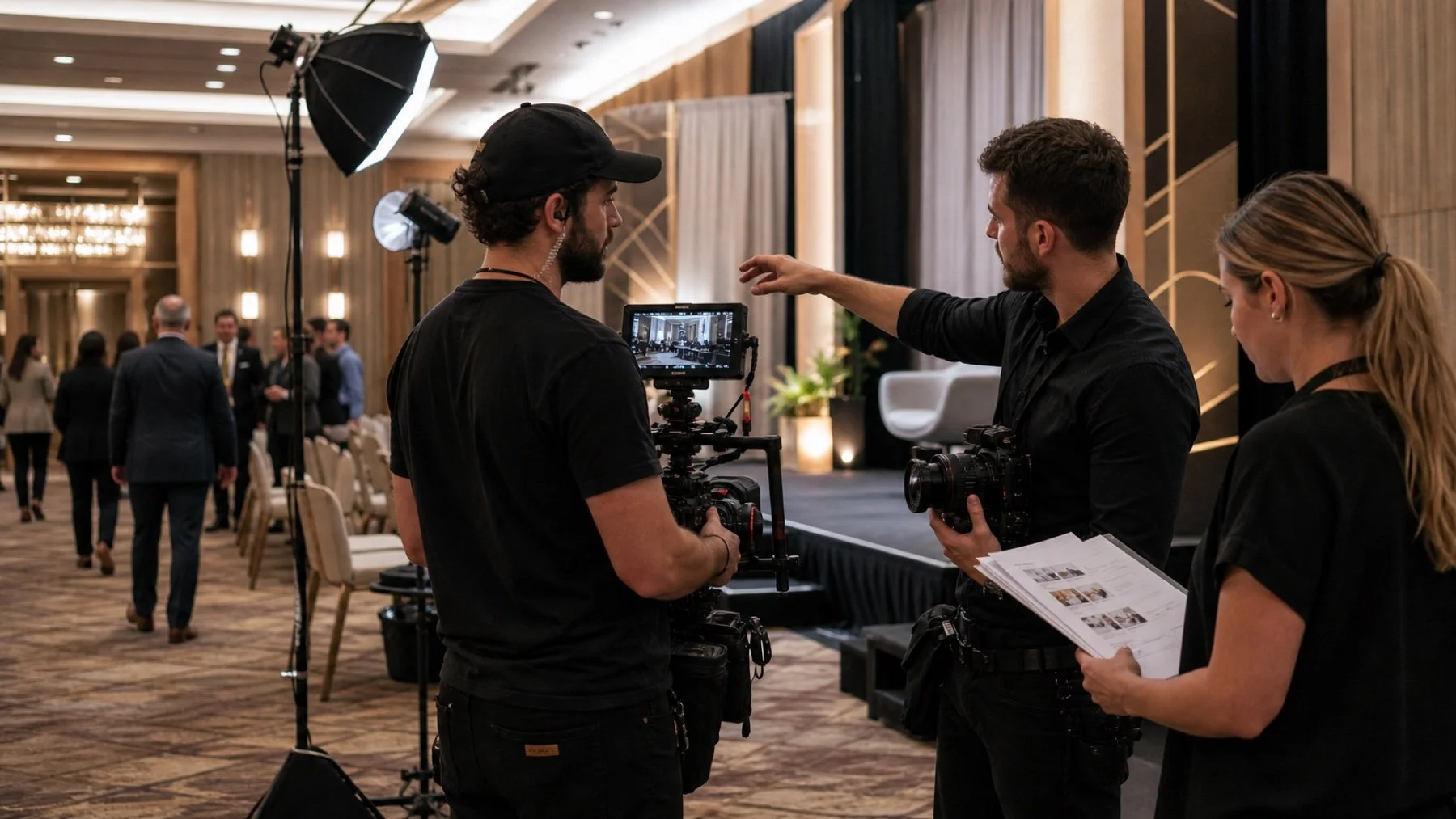
To coordinate photo and video crews at a corporate event, give both teams the same priorities and enough room to work. They often need the same speaker, audience reaction, sponsor moment, or executive interview at the same time. A shared production brief prevents one crew from blocking the other or receiving a late change first.
Create one priority map for both teams
List the moments that require photo, video, or both. Add the time, room, subject, purpose, and level of importance. This reveals collisions before the event and shows where separate positions or extra crew may be necessary.
Do not build two unrelated shot lists. Photography may need a clean still while video needs a continuous sequence and usable sound. The shared brief should explain both outcomes so the teams can choose complementary angles.
Assign positions before the live program
Walk the main stage, panels, sponsor spaces, arrivals, and interview area. Mark fixed video cameras, roaming routes, photographer positions, cable paths, and no standing zones.
Protect the video sightline while leaving photography a safe way to change angles. For tight rooms, agree on movement windows such as applause, transitions, or breaks rather than crossing during a speaker's key point.
Give sound and lighting one owner
Video depends on reliable audio feeds, while both teams depend on the stage look. Name the audiovisual contact who can confirm output type, feed access, microphone plans, house lighting, and cue changes.
Schedule a joint technical check. A lighting change that works for the room may create a difficult camera balance. A sound feed may need an adapter, backup, or separate recording plan. Resolve those details before guests arrive.
Use one communication path during the event
Choose a production lead who receives agenda changes and sends one confirmed update to both crews. Include room names, revised times, and the new priority. Vague messages such as go upstairs now create more confusion than direction.
Define an escalation rule when two essential moments overlap. The producer should know which team stays, which moves, and whether another operator can cover the second location.
Coordinate handoff as carefully as capture
Photography and video may have different urgent selects, review contacts, release requirements, and final delivery dates. Put each workflow in the production brief and identify shared brand assets or approval dependencies.
Scope event photography and event video production as connected parts of the same event. The teams can work independently while still protecting one story and one schedule.
Run one final coordination check
Rank each live moment by consequence. A keynote entrance, award handoff, or executive announcement cannot be recreated, while general networking coverage can move to another room or time. This lets both teams protect irreversible moments first.
Attach the priority map to the run of show and update both together. When the agenda changes, the production lead can see which camera positions, interview windows, and sponsor requirements are affected instead of sending separate instructions to each crew.
Use a room walk to test the plan at audience eye level. A position that looks clear on a floor plan may be blocked by a lectern, sponsor sign, confidence monitor, or service station after the room is dressed.
Define movement during applause, transitions, and breaks. These moments can be the safest time to change position, but they may also contain reactions both teams need. A shared rule prevents every operator from moving at once.
Keep the venue audio lead, lighting operator, and production contact in one communication chain. If a feed drops or a stage look changes, the crews need one confirmed answer rather than several partial updates.
Agree on quiet signals for live rooms where radio or phone use would be disruptive. A hand cue or designated floor contact can confirm that a shot is complete, a position is clear, or an interview guest has arrived without interrupting the program.