
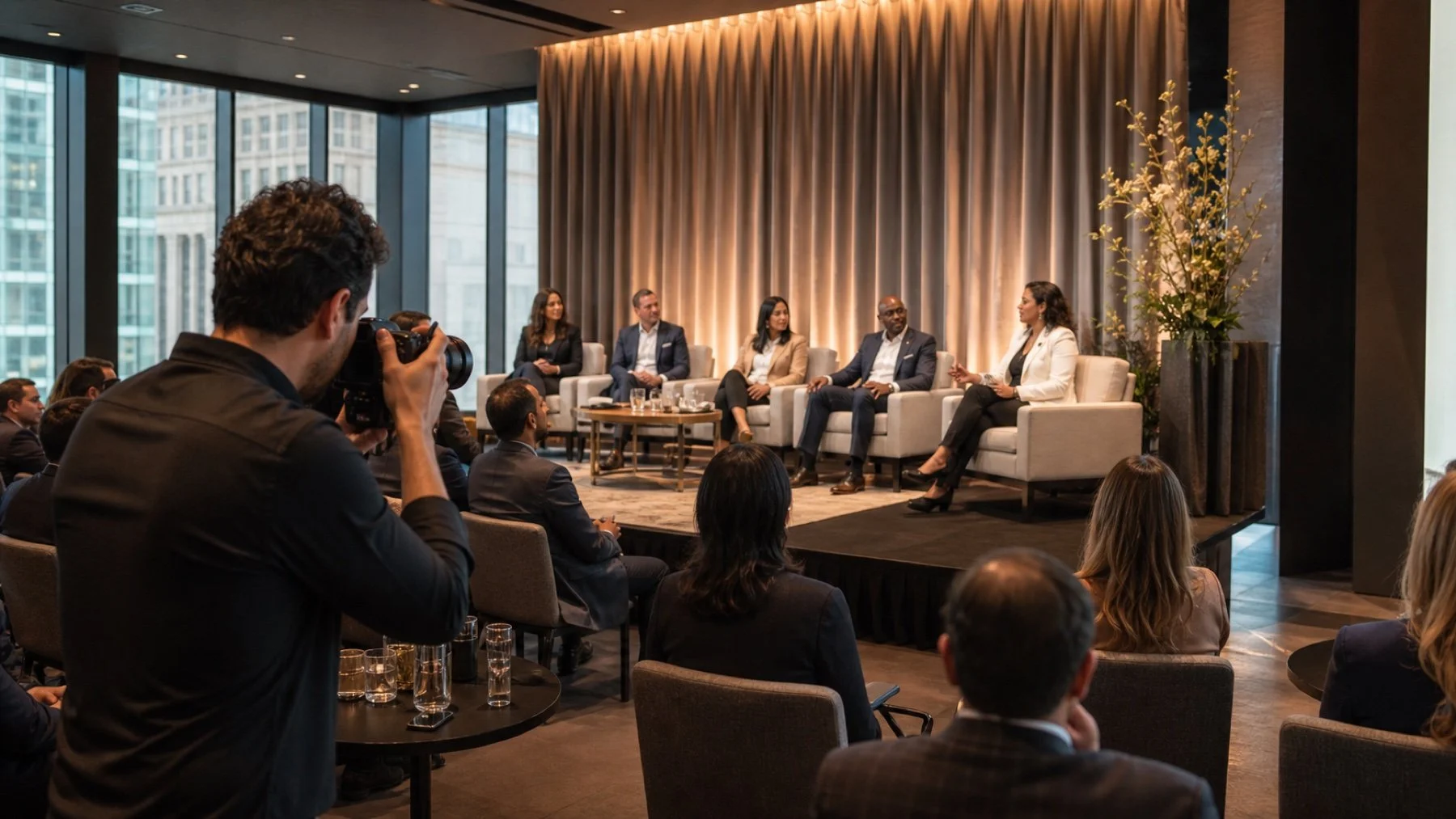
Speaker and panel photography depends on decisions that happen long before a person walks on stage. Stage furniture, lectern placement, screens, microphones, lighting, and audience layout all affect the available angles. Use this planning guide to protect the images your communications team will need.
Design sightlines with photographs in mind
Walk the room from the centre aisle, side aisles, and rear position. Check whether screens, confidence monitors, floral pieces, or sponsor signs block faces. A photographer can change position, but no camera angle can fix a chair hidden behind a lectern.
For panels, stagger chairs enough to create clean separation between speakers. Ask panellists to leave drinks, bags, and printed notes on a low side table rather than at their feet when the stage design allows it.
Build a useful shot hierarchy
Start with the images that explain the session: a strong frame of the full stage, individual speaker portraits in action, interactions between panellists, and audience context. Add sponsor branding only where it appears naturally and remains readable.
Tell the photographer which speakers have priority and provide current headshots or a labelled run of show. Names on an agenda are not enough when the order changes or a substitute speaker joins at the last minute.
Protect the first and last minutes
The opening often gives the cleanest speaker posture and the strongest audience attention. The closing may contain the final exchange, applause, or a group moment. Keep aisles clear during both windows and tell the photographer before a moderator adds an unscheduled segment.
Schedule posed speaker portraits outside the live session. A two minute portrait window can disappear when a panel runs late, so assign a team member to gather speakers and choose a nearby background in advance.
Coordinate stage light and screen content
Ask the production team whether the stage light changes between presentation, panel, and audience questions. Bright screens behind a dim speaker produce difficult exposure choices. A short lighting test helps the photography team plan positions and protects skin tone.
Avoid placing critical slide text directly behind a speaker. If your team needs a frame that combines a person and a presentation, share the exact slide and timing before the session begins.
Plan for audience questions and movement
Tell the photographer whether questions use a fixed microphone, a roaming microphone, or a queue. Each format changes where reactions and speaker responses can be captured without blocking guests.
Pair these details with your conference photography scope and the full room schedule. The result is a practical plan, not a generic request for candid photos.