
Product Launch Photography: Planning the Reveal and Press Selects
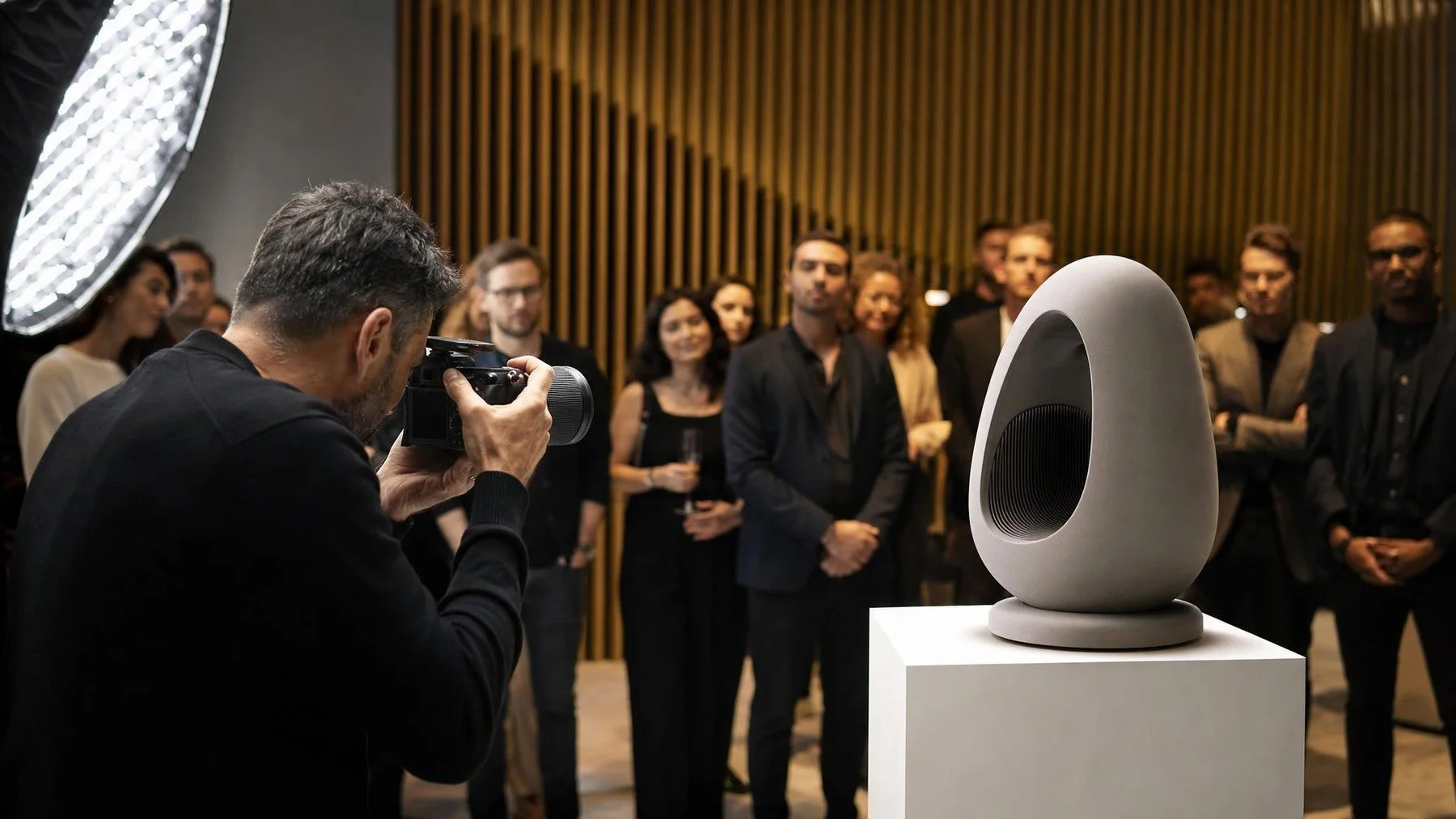
Product launch photography should be planned from the assets your press, social and sales teams need after the reveal. Confirm the reveal position, required product details, people who may appear and the deadline for approved selects. That turns one short stage moment into a usable launch library.
For a Toronto product launch, we would plan the controlled product view and the live reveal as separate image opportunities. The first serves the editor who needs a clear object. The second records the audience and presenter. Both need the correct product name and a release owner.
Walk the press set from reveal to release
Start with the editor's likely need: a clean product view, a spokesperson, and a room frame that establishes the announcement. Their purposes differ, so one crowded photograph should not be forced to do all three jobs. Mark the first press deadline and the approved product name before deciding where the cameras stand.
- Before doors: Rehearse the cover removal and lighting cue from the proposed camera mark. If the presenter blocks the product or the key detail is too small to read, arrange controlled product access for a separate close frame.
- During reveal: Protect the human moment and room context. Do not interrupt it to repair a product detail photograph.
- Before release: Have the product owner verify the visible model and any embargoed feature. The communications owner checks the caption, destination crop and deadline. A backup reviewer prevents an urgent select from stopping in one inbox.
A sharp photograph is still unusable if its caption carries a working product name. Keep the approved name and usage note with the urgent file. The broader gallery can follow its own edit and review path. Do not let the first press deadline turn the full room gallery into an unreviewed release.
Build the launch library beyond the reveal
Build a detail list with the product team
The photographer should not guess which controls, materials, finishes or package elements carry the launch story. Ask the product owner for a short ranked list and note anything that must not appear before a specific announcement.
Decide whether detail images can be made before guests enter. Controlled access gives the crew time to refine light and angle without delaying the event. It also creates a backup if the display becomes crowded after the reveal.
Create a press approval lane
Name one reviewer who can release selects and one backup. Give them the correct product name, model name, speaker titles and restricted details. Keep the review focused on factual and brand accuracy.
Set the delivery window against the media deadline, not a vague request for fast files. Uptown Media describes same day social teasers as part of its corporate event photography offer. The exact number and timing still belong in the project scope.
Plan the room after the hero moment
A launch gallery also needs customer conversations, demonstrations, executive meetings and the scale of attendance. Put those priorities in sequence so the crew can move from the reveal to the next business use.
Review related Uptown Media work for the balance of product, people and environment you want. Then send one final brief that connects the press set, event story and file handoff.
Brief the first press frame
Share the reveal cue, approved product name and first media deadline. Name the reviewer and backup for the urgent select.
Commission Uptown Media coverage with a distinct deadline for the first press select and the later gallery.