
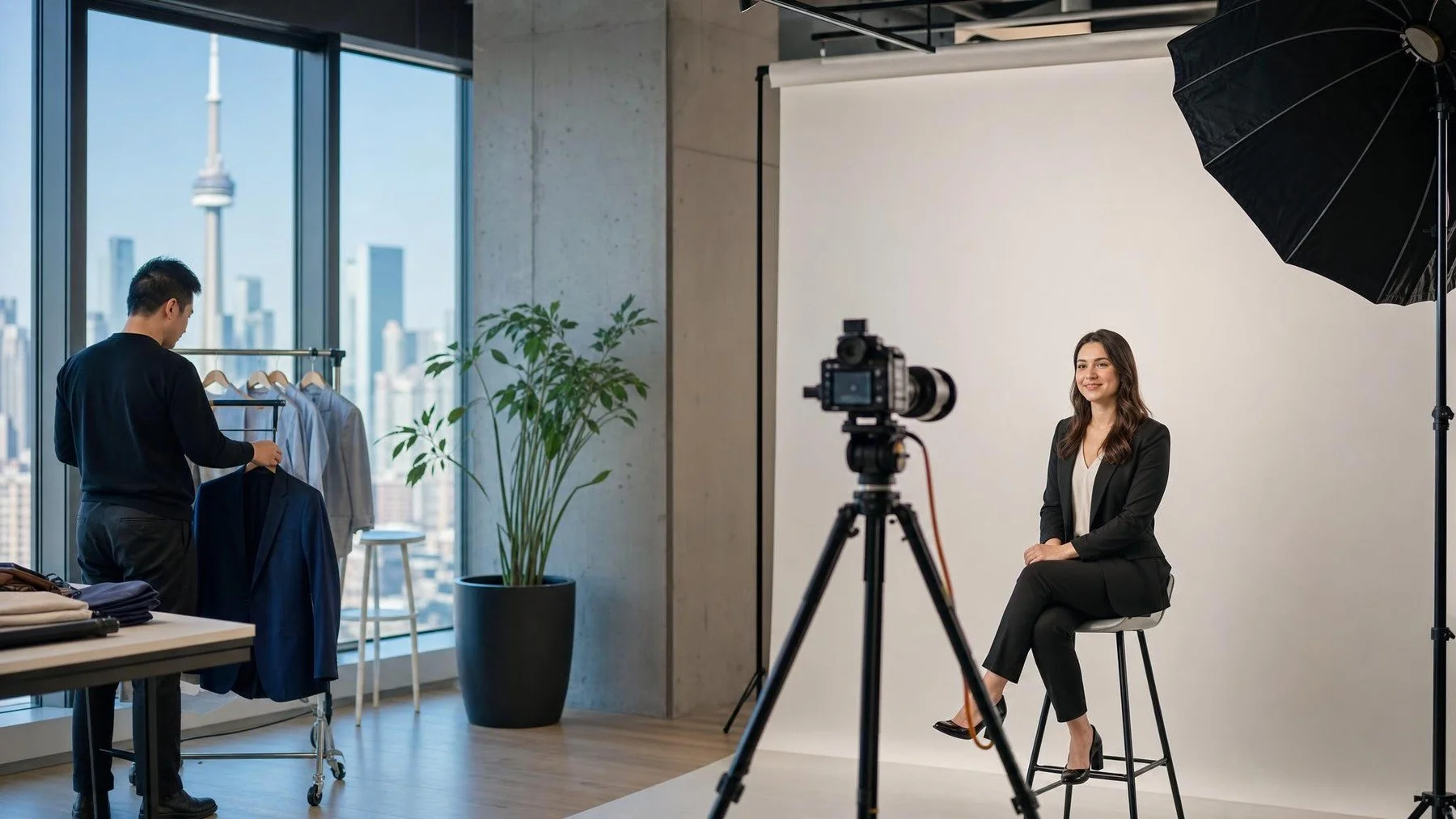
Your Toronto office needs new team portraits, and the people in the photos still have meetings to attend. Plan the day by confirming the room, agreeing on a visual standard, scheduling around the actual portrait format and naming who handles selection and delivery. That gives each person a clear appointment and the communications team files it can use.
Uptown Media offers corporate headshots at an office or in its studio. We bring lighting, a backdrop and tethered preview to office sessions. If your HR or communications team is arranging one, this guide takes you from the first room check to the final file handoff.
Choose the room before you promise a schedule
A meeting room that looks empty on the calendar may still be a poor portrait space. Ask the photography team what floor area, power access and clearance its lighting, backdrop and tethered preview need. Uptown Media describes all three as part of its office setup. A room with a door also makes it easier to give each person a brief, uninterrupted session.
Walk the route from employees' desks to the proposed room. If the room sits behind reception or requires a visitor pass, appoint someone who can guide the crew in and explain access before setup begins. Keep the portrait station in one place where possible. Moving it between floors consumes production time and can change the look of the portraits.
Send room photos and dimensions when you request corporate headshots in Toronto. The photographer can then recommend a setup that fits the actual office rather than a generic floor plan. Confirm load in and breakdown access, then make a new test frame if the room or lighting setup changes during the day.
Build slots around the people, not an assumed pace
Set appointment length from the agreed portrait format. Private selection, multiple looks, executive portraits and travel between floors all change the schedule. Give the photographer the roster and intended uses first, then agree on slots and recovery time. A meeting room booked from nine to four is not enough if most executives are free only in the hour before lunch. Group those portraits into a protected block rather than letting one open booking link hide the collision.
Have one coordinator own the roster and hold a few recovery spaces for a delayed meeting or absent employee. Separate people who must be photographed that day from those who can use a later session. Send every participant the location, time, expected style and selection process so the camera slot is used for the portrait rather than for instructions.
Make the portraits fit the directory you maintain
Start with the page that will hold the files. A directory may use square thumbnails. A leadership biography may need horizontal room for text. Put an early test portrait into both real layouts before the full roster is processed. Change the crop or background while the setup is still standing, then approve a reference image for the remaining staff.
Decide whether this session replaces every current portrait or adds colleagues to an existing set. Store the approved reference and setup notes beside the directory specifications so later hires can join the same visual set. A well lit file is not useful if its crop or background makes it look unrelated to the rest of the team.
Plan selection and file ownership before the first portrait
Uptown Media says each person receives a private gallery to choose a portrait, followed by retouched finals for print, web and LinkedIn use. Decide who receives the selection invitation, who reminds employees to make a choice, and who receives the organization's approved final files. A private gallery for the employee and a shared asset folder for communications solve different problems.
Tell the studio how names and departments should be recorded, especially if employees share a surname. Confirm who can request a replacement portrait or ask for a different crop. Name the person who can resolve those requests. Clear ownership keeps the handoff from becoming a long series of forwarded emails.
For a headshot station at a conference, the attendee journey and queue are different. Uptown Media's conference photography service covers event programs that can include a portrait station.
Make the office day workable
Send the room photographs, roster and directory layouts. Request a slot plan that includes setup and recovery time.
Once the room and roster are tested, Commission Uptown Media coverage for the office portrait day.