
Multi-Camera Keynote Recording: The AV Questions to Settle First
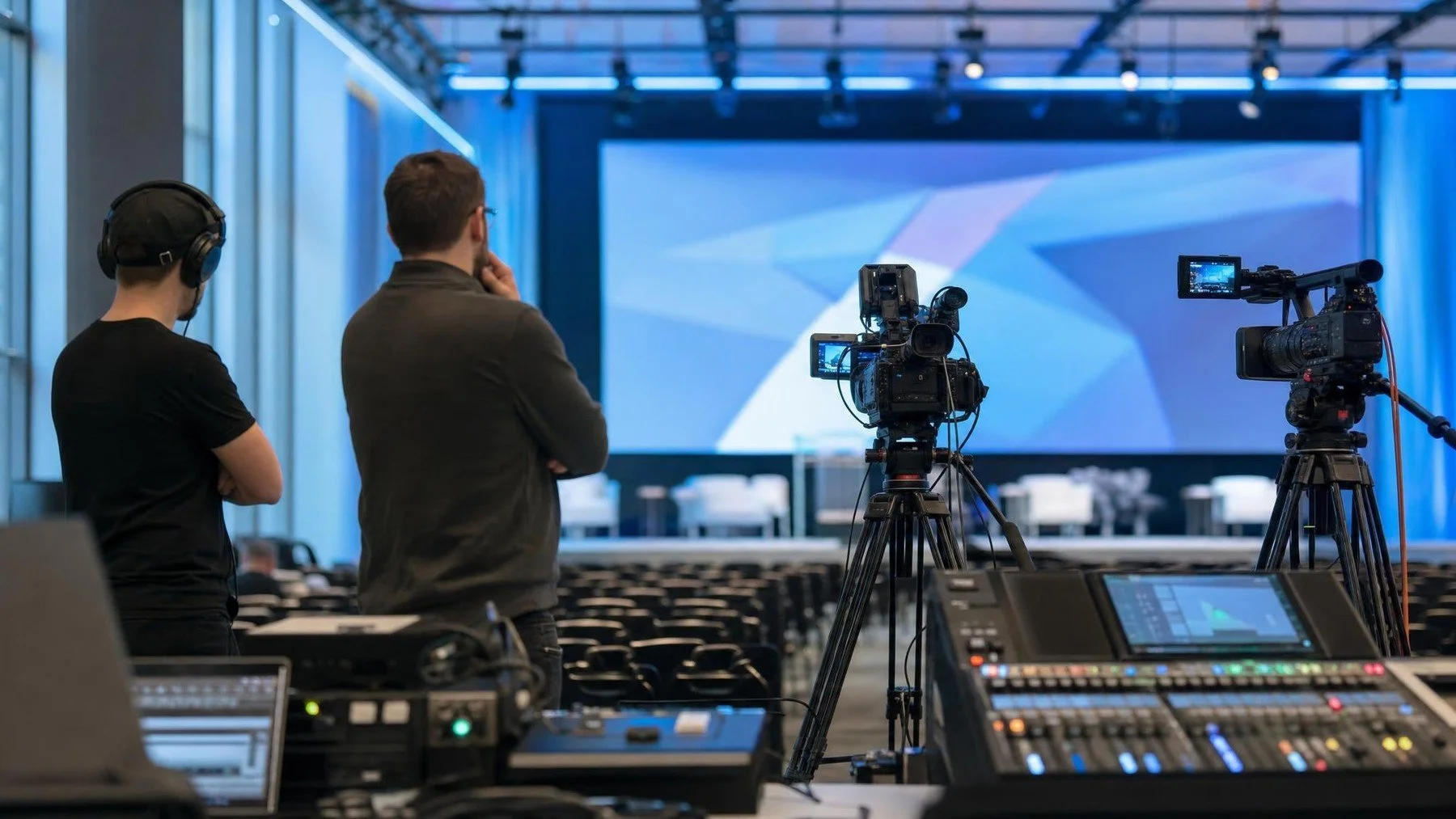
The ballroom looks ready, but the recording crew still does not know which audio output is available or whether the slides will be delivered as a separate feed. Multi camera keynote recording begins with an AV plan. Settle positions, sound, slides, lighting and communication before the room fills.
We would ask venue AV to show the actual signal path during rehearsal, then check a recorded file together. A verbal assurance that the microphone is working proves only what the room can hear. It does not prove that the keynote master has sound, slides or a usable backup.
Choose camera roles from the final edit
Define what each camera protects. One may hold a clean speaker frame, another may cover the stage and screen, and a third may capture audience context or movement. The edit and room shape should determine the plan.
Confirm whether cameras can stay fixed or need operators. A long keynote with a speaker who moves beyond the lectern needs different coverage from a short scripted address with locked stage marks.
Run the AV handoff as a recorded rehearsal
Name the source of every signal: lectern and handheld microphones, panel channels, playback laptop, remote guest and slide feed. The venue AV lead marks what reaches the room. The recording lead marks what reaches the camera or recorder. A presentation can sound fine to the audience while the file misses a floor question or an embedded clip.
- Run a cue with speech, a small text slide, a video with sound and the lighting state expected during the talk.
- Record a short sample and play it back away from the console. Check the actual file for intelligible voices, legible slides and changes in camera exposure.
- Write the fallback beside each weak source: backup microphone, alternate slide file or a later edit from the clean deck. Assign the person who announces a last minute source change.
Collect the final deck and speaker name spellings through one owner. If slides contain confidential or licensed material, flag the affected segment for the editor rather than assuming the live projection can be reused in every output.
Rehearse light and movement together
Check the speaker at the lectern, presentation area and any walk on path. Confirm exposure with the screen at its brightest and darkest cues. Venue lighting that looks balanced to the eye can create a large difference on camera.
Mark camera sightlines and cable routes with the venue. Keep aisles, accessibility routes and emergency exits clear. The corporate video production scope should reflect the actual room and AV system.
Specify the master and every derivative
List the full keynote, chaptered version, short clips, vertical excerpts, caption file and any presentation only output. Uptown Media states that its video services can include multi camera keynote capture, social cuts and full recap films.
Confirm the review owner, title list, caption needs and release date. A complete recording and a short campaign edit have different editorial decisions. An internal master may retain slides that a public excerpt must remove. Name the reviewer for each version and keep the clean recording and final deck available for the edit. Name both so the crew records enough material without confusing the deliverables.
Rehearse the recording path
Bring the venue AV contact, deck and required versions to the brief. A recorded test should settle the signal and slide questions.
After the signal path and outputs are named, Commission Uptown Media coverage for the keynote.