
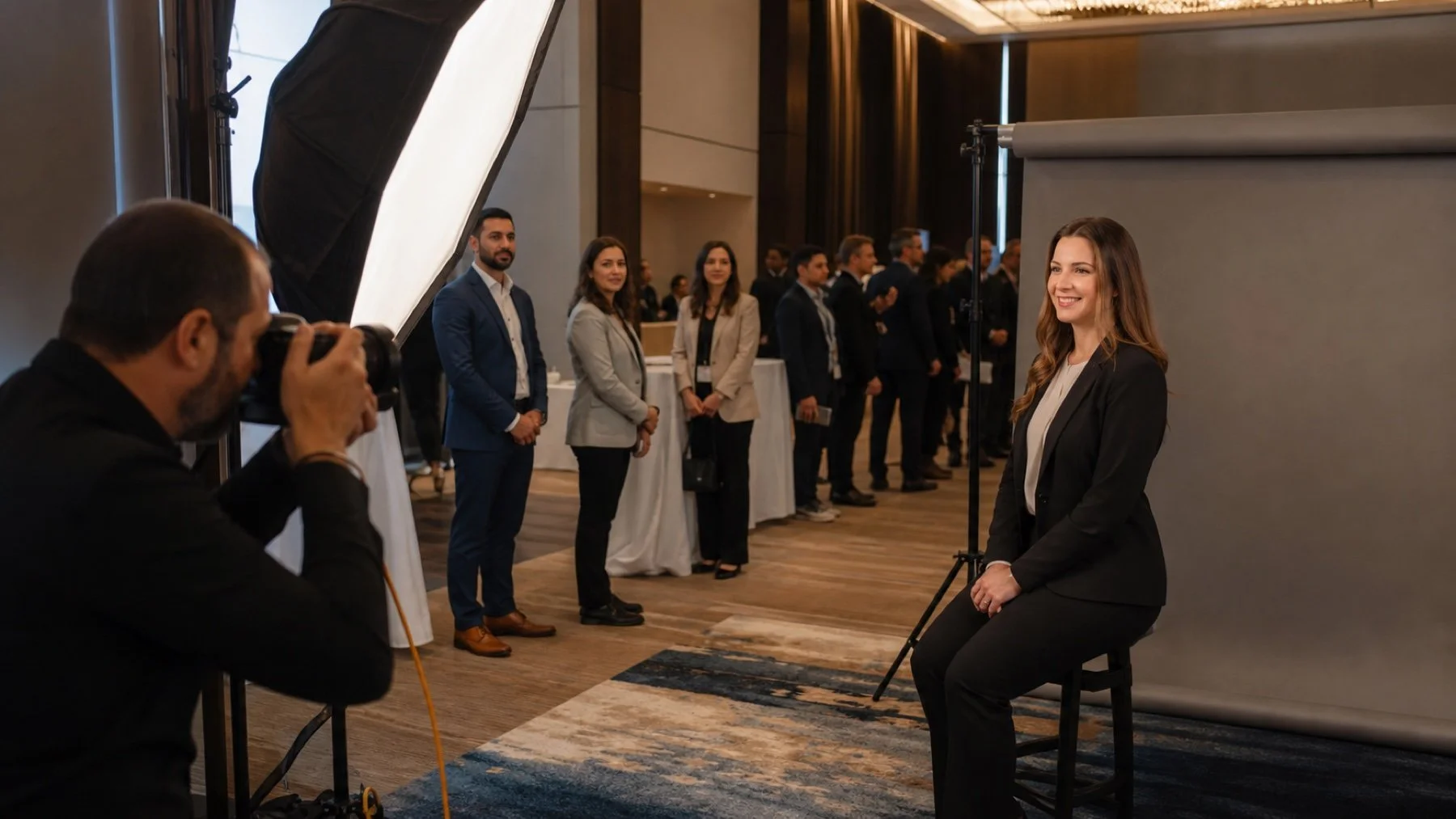
A corporate headshot station can give conference guests a useful professional asset, but only if the organizer treats it as a scheduled service. Space, participant flow, names, image selection and delivery need owners before the photographer arrives.
Set the purpose and the portrait standard
Decide who the portraits are for and where they will be used. An internal directory, executive page, conference benefit and recruitment campaign may need different crops or backgrounds. Approve a visual reference before event day.
If the headshot station is being added to broader Calgary conference photography, confirm that stage coverage and portraits do not depend on the same photographer at the same time.
Choose a room that supports consistent work
Measure the room and share photos. The setup needs enough distance for the camera, lighting and background, plus a safe route for participants. Check power, ceiling height, ambient light and nearby noise.
A visible location can improve participation, but an open hallway may create distractions and a public waiting line. Use signs and a host so the studio remains easy to find without sacrificing privacy.
Build a schedule around attendance patterns
Use appointments for people with narrow availability and walk-in periods for general guests. Avoid opening only during a short break when the full audience leaves at once. Publish the hours in the event app, email or registration materials.
Give participants a realistic arrival instruction. If they can select a favourite image on site, include selection time in the slot. Hold a few windows for delayed speakers or executives rather than forcing them into the general queue.
Collect names without creating cleanup later
- Ask for the preferred professional name.
- Confirm spelling before the person leaves.
- Use an email or unique identifier for delivery.
- Record image choices in a consistent way.
- Explain who will receive and store the information.
A paper sign-in sheet visible to other guests is a poor default. Decide on a private collection method and limit the fields to what the delivery process needs.
Explain the participant experience
Tell guests what to expect: check-in, brief preparation, posing, review and delivery. Offer concise wardrobe guidance without requiring a specific style or colour. If hair, makeup or a mirror station is available, show it separately from the active camera area.
Clarify the retouching and delivery process. Participants should know whether they will receive one selected portrait or a gallery, when it will arrive, and whom to contact about a name or file issue.
Can the station run unattended?
The photography setup needs a staff plan. A host can manage names and flow while the photographer stays focused on the portrait.
How should we promote the station?
Use the registration email, event app, signs and stage announcements only when the published hours and eligibility are clear.
Can we match an existing headshot library?
Provide full-resolution references and the required crop, background and expression guidance during planning so the new images can follow the established standard.
Share the room, schedule and participant workflow with Uptown Media.